Présentation du marquage manuel : créez et gérez des balises personnalisées adaptées à votre stratégie de campagne.
.png)
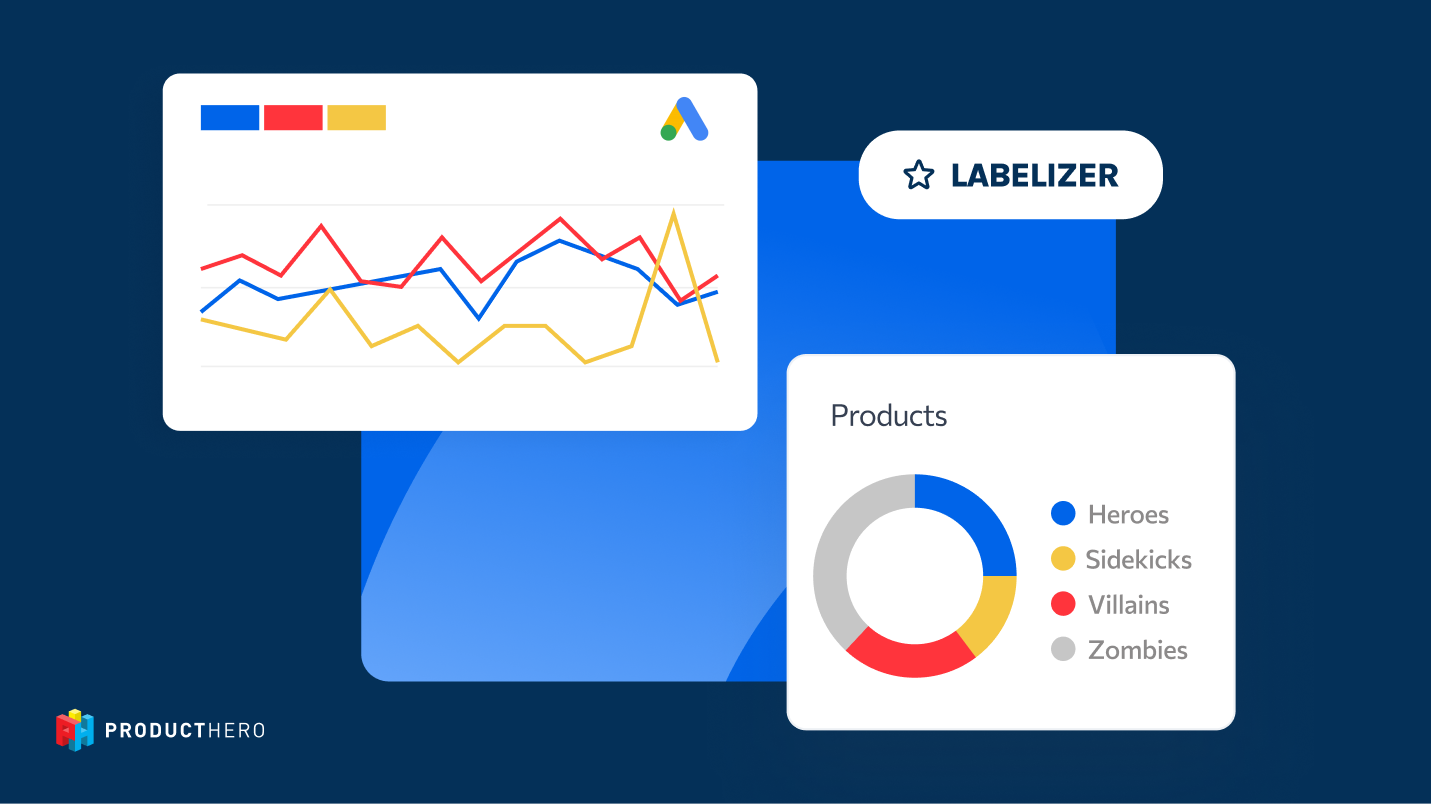
Manual Tagging is a new feature in Producthero Labelizer that lets you apply your own custom labels to products, on top of the automated performance labels (Heroes, Sidekicks, Zombies and Villains) you already know.
It’s been one of the most requested features, and for good reason: manual tagging adds an extra level of customisation, helping you organise products not only by how they perform, but also by what’s happening inside your business: stock levels, newness, seasonality, profitability, or strategic priorities.
If you want to learn more about how to set this up, check out the Manual Tagging Help Guide.
Why Manual Tagging
Shopping campaigns work best when your products are grouped in a way that reflects how your business operates, so that you can get more control over which products get visibility, where your budget goes, and how your bids are used.
Automated Labelizer labels already can segment your products based on performance, but they can’t understand what’s happening behind the scenes. They don’t know which products are brand new and need a kickstart, which items are filling up your warehouse, which ones only sell during certain months, or which products have the best margins. That’s information only you have.
Manual Tagging lets you bring that knowledge directly into your campaigns. By assigning your own label —such as “Clearance,” “Seasonal,” or “High Margin”—and connecting them to a custom label, you can place these product groups into separate campaigns with their own budgets and bidding strategies. This helps you keep your campaign structure organised, gives you more control over what Google prioritises, and ensures the right products get attention at the right time.
Below, you'll find five examples of how manual tagging can help you build cleaner campaign structures and give the right products the right attention at the right time.
1. Clearance boost
When products start stacking up in your warehouse, they tie up money you could use for better-selling items and take up valuable space needed for new stock. These high-inventory products often have weak historical performance simply because they’ve always been slower sellers. And since Google relies on past performance to decide how often a product should appear, these items naturally receive less visibility.
Manual tagging gives you a way to counter this. By applying a Clearance label to items with excess stock, you can shift them into a dedicated campaign where they get more focused attention. In this campaign, you can set aside a budget specifically for these products and apply more competitive bidding to help them show up more often and sell through sooner.
2. New product launch boost
New products usually start with a disadvantage in Shopping Ads because they have no performance history. Since Google’s algorithms depend heavily on historical data to set a product’s visibility, an item with no clicks, no conversions, and no track record is shown cautiously at first. This slow start can delay early sales and make new launches feel like they take longer than they should to gain traction.
Manual tagging allows you to guide this process. By marking newly added items with a New Launch label, you can place them into a separate campaign designed specifically to help them get off the ground. In this dedicated setup, you can allocate budget just for new products and use more assertive bidding so they receive enough visibility to start gaining traction.
3. Seasonal boost
Some products matter only during specific times of the year (e.g Christmas decorations, summer essentials, or back-to-school items). Outside their peak season, these products naturally perform worse, so Google tends to show them less often. The challenge is that when the season comes back around, they need to ramp up quickly, but their “off-season” history can hold them back.
Manual tagging helps you prepare for these predictable cycles. By giving these items a Seasonal label, you can move them into a dedicated campaign when their peak period begins. In that focused setup, they don’t have to compete with your evergreen products for budget or attention, and you can apply bidding strategies designed to maximize their visibility while demand is high.
4. High-margin boost
Some products simply generate more profit per sale than others. These are your high-margin items, and because they deliver more value to your bottom line, you can afford to invest a bit more in advertising them and still come out ahead. Even if their ROAS ends up slightly lower, they often remain more profitable.
Manual Tagging makes it easy to give these products the attention they deserve. By applying a High Margin label, you can move them into their own dedicated campaign where the bidding strategy is aligned with their true business value. Within that setup, you can set a lower ROAS target or use more competitive bidding to get them more visibility and more volume.
5. Label locking bestsellers
Some products perform well month after month. They consistently drive revenue, attract customers, and play an important role in your assortment. But because Labelizer’s automatic labels react to performance changes, even your best products can be temporarily downgraded if they have a short dip in results — for example due to a stockout, a price change, or increased competition.
Manual tagging gives you a way to keep these reliable products in the position they deserve. By assigning a manual Heroes or Bestsellers label, you “lock” these items into a high-priority group. That prevents them from slipping into lower-visibility labels like Villains because of temporary fluctuations, ensuring your proven best-sellers always get strong visibility.
Nos articles et études de cas
Présentation du marquage manuel : créez et gérez des balises personnalisées adaptées à votre stratégie de campagne.
.png)
Pourquoi la plupart de vos produits n'obtiennent pas de clics (et ce que vous pouvez faire)